Iron Linux Shield
IRON LINUXDebian • Wayland • Labwc
Debian Trixie Base • Linux Kernel 6.12 • Labwc 0.8

Built light. Forged strong.

A lightweight Debian-based Linux distribution built around Wayland and Labwc, designed to stay fast, simple and out of your way.

iron-linux // live-session-amd64
waybar: active
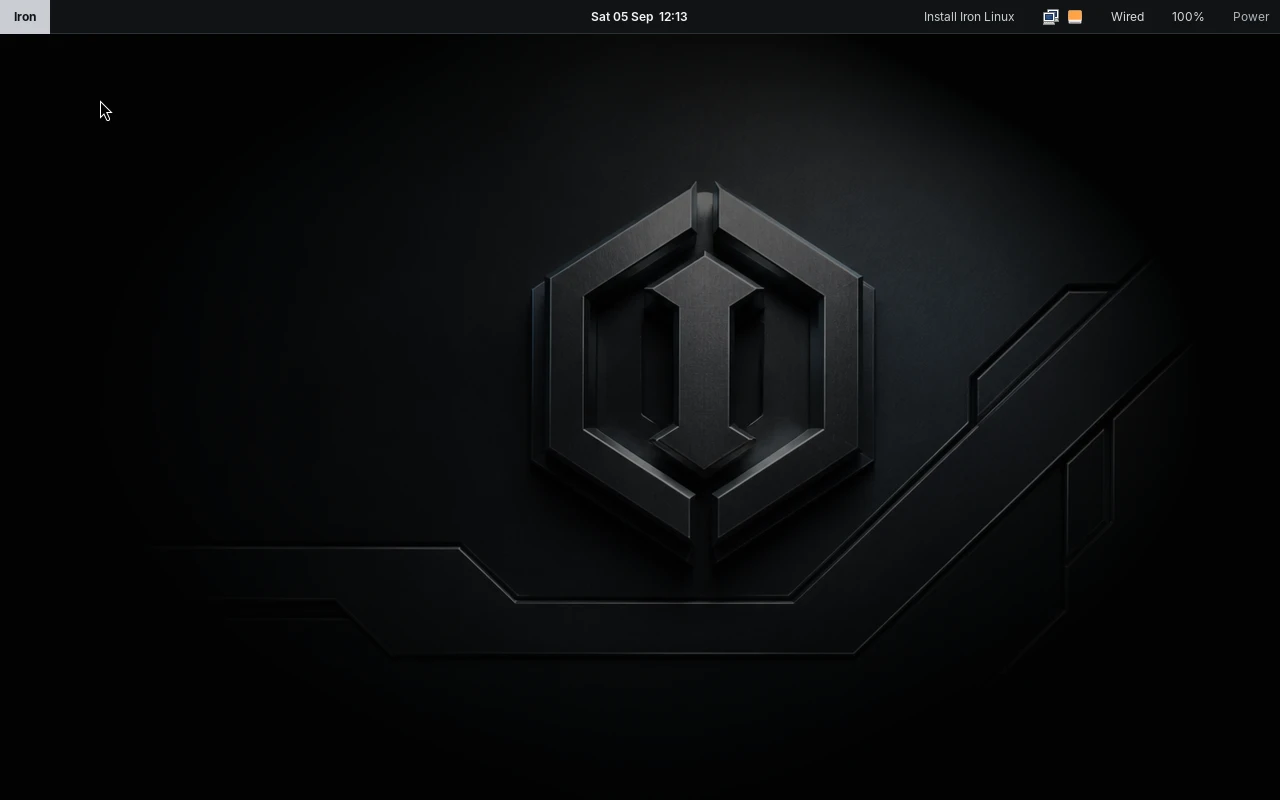
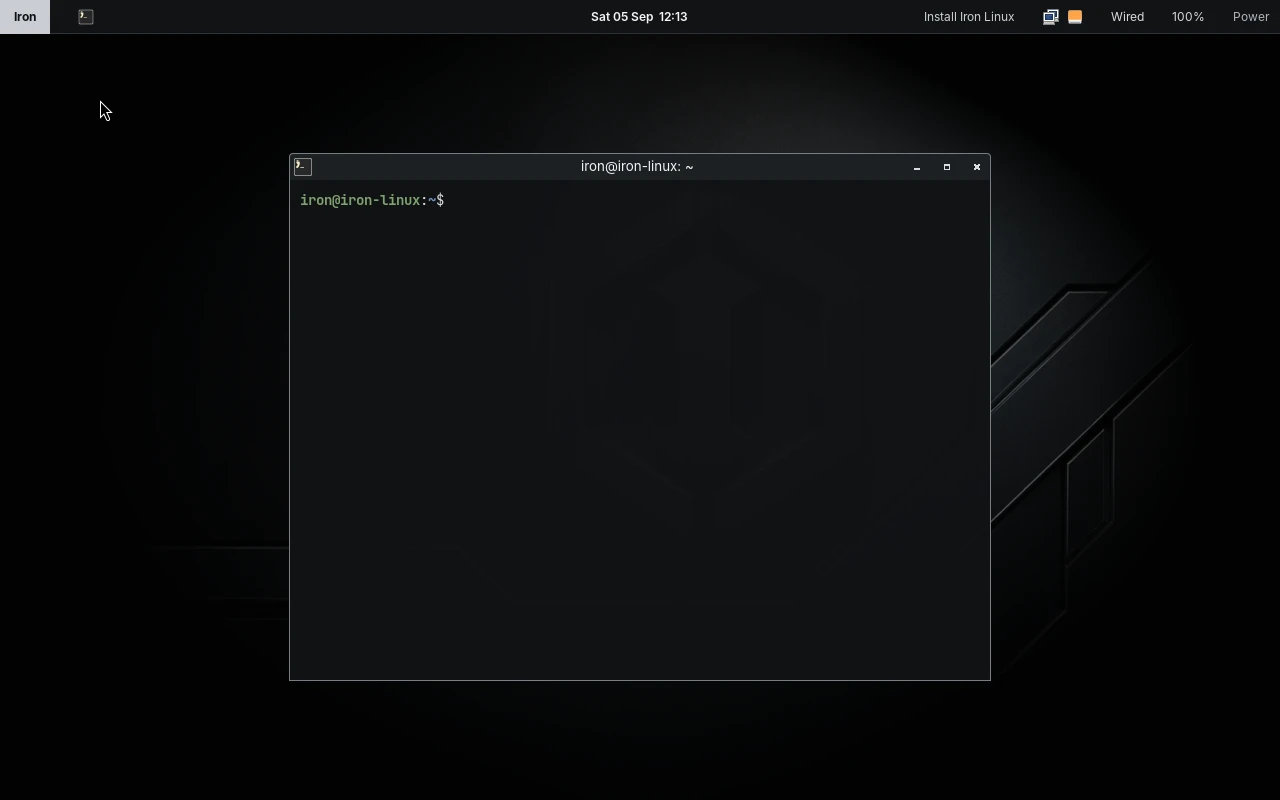
Iron Linux Desktop Session Screenshot
Real desktop capture in native 1280 × 800 live QEMU environmentNo mockups • Pure Labwc + Waybar
Core Philosophy

Everything you need.
Less of everything you don't.

Most modern distributions bundle gigabytes of background services, indexing daemons, and tightly coupled desktop suites. Iron Linux takes the opposite path: clean Debian foundations, native Wayland protocols, and uncompromising restraint.

Wayland-First & Labwc

Built strictly around Labwc (wlroots) and layer-shell. No legacy X11 daemons or heavy compositor dependencies.

Pure Debian Ecosystem

100% Debian binary compatibility. Normal apt and .deb packages install seamlessly with zero proprietary silos.

Zero Desktop Bloat

No GNOME, KDE, or XFCE middleware running in the background. Idle RAM usage stays lean, reserving your CPU for actual work.

Direct Hardware Control

WirePlumber for audio, NetworkManager in the tray, and Calamares installer for simple, non-destructive partition setups.

Real Operating System Interface

Your computer. Without the clutter.

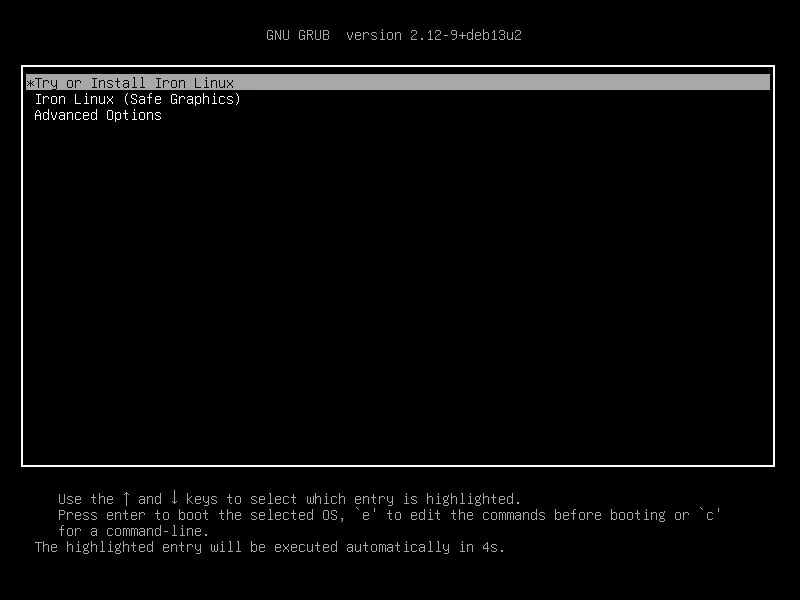
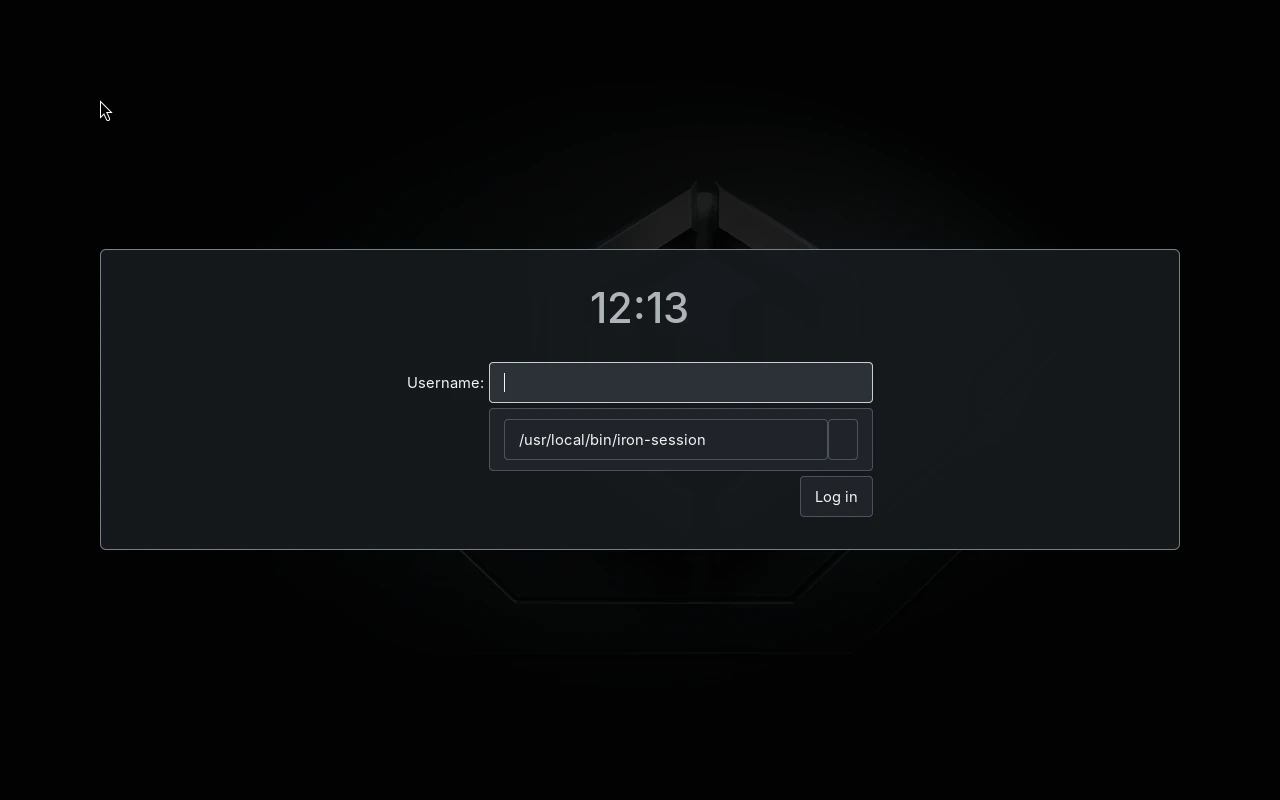
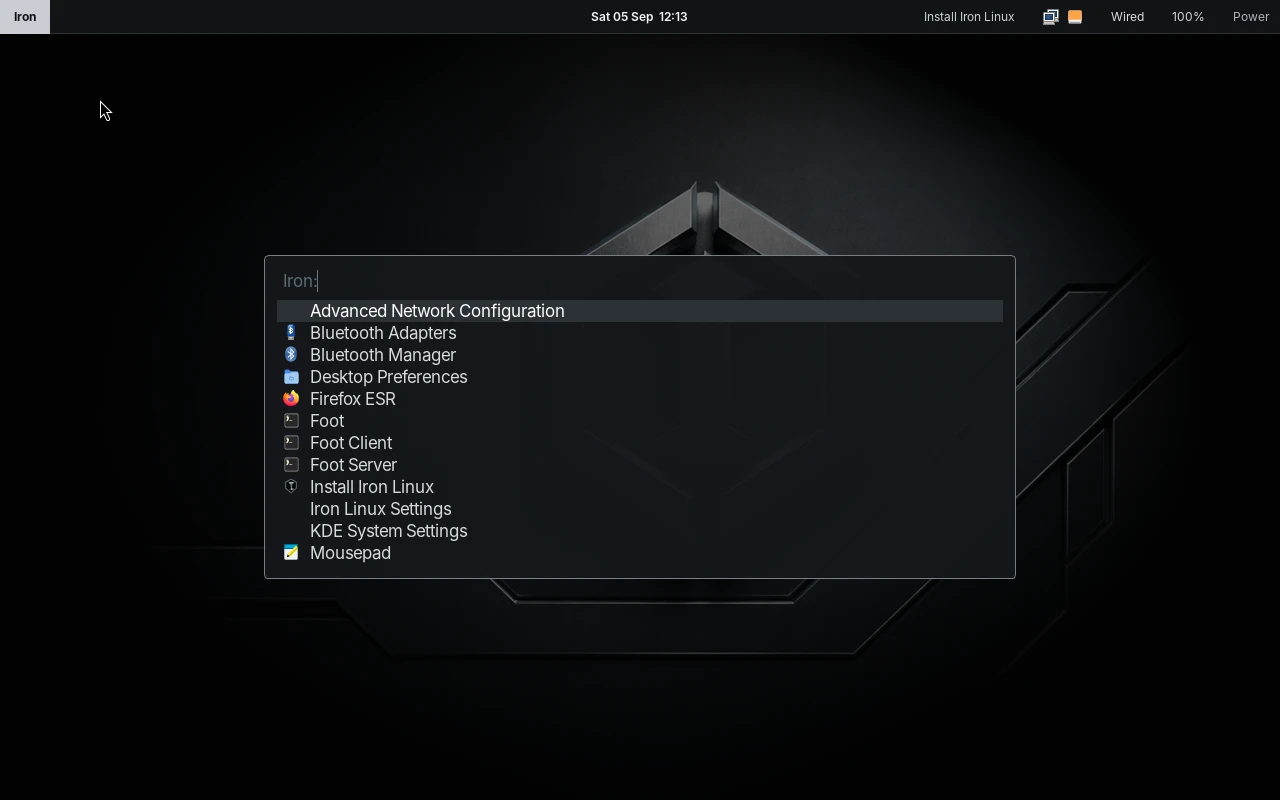
Explore the genuine Iron Linux interface components. Every screenshot is captured directly from the live boot session.

iron-linux-session :: desktop.png
LIVE
Minimal Labwc Session
Captured directly from QEMU/KVM live session1280 × 800 Native
Wayland Native

Minimal Labwc Session

A distraction-free stacking compositor built on wlroots. Features a custom Waybar panel with launcher, workspace switcher, clock, system tray, NetworkManager applet, WirePlumber audio, and power controls.

Component Configuration
CompositorLabwc 0.8.3
PanelWaybar (CSS themed)
Wallpaperswaybg (4K custom)
DecorationsServer-side Iron
Genuine Iron Linux screenshot, unedited.
Technical Stack

Engineered with precision.

A transparent, layered architecture. No custom daemons or obscure forks: just high-performance native Wayland software atop upstream Debian.

01

Iron Linux Userland & Brand

Curated Waybar top panel, custom Fuzzel launcher, Foot terminal, GTK-CSS graphite themes, Plymouth splash, and Calamares installer integration.

WaybarFuzzelFootMakoCalamaresswaybg
Memory overhead: ~240 MB RAM at idle
builds on
02

Labwc Compositor Layer

Lightweight wlroots-based compositor modelled on Openbox principles. Delivers server-side window decorations, minimal latency, and zero bundled daemon overhead.

wlroots 0.18Labwc 0.8.3Server-Side DecorsLayer-Shell
Zero desktop environment middleware
builds on
03

Wayland & Hardware Acceleration

Modern graphic primitives via Mesa DRM/KMS, PipeWire + WirePlumber audio pipeline, and NetworkManager system tray connectivity.

DRM / KMSMesa 24PipeWireWirePlumberBlueZ
Native Wayland • No X11 display server daemon
builds on
04

Debian 13 (Trixie) Base

Rock-solid Debian base using Linux Kernel 6.12, systemd-logind for clean seat management, and Debian live-boot tooling for hybrid media.

Kernel 6.12systemd-logindlive-build 20250814glibc 2.40
100% Debian binary compatibility
builds on
05

APT & .deb Ecosystem

Zero custom or proprietary package mirrors. Standard Debian main, contrib, non-free, and non-free-firmware repos ensure transparent and predictable security updates.

APTdpkgNo Proprietary SilosGoogle Chrome .deb OK
Direct upstream security patches from deb.debian.org
Efficiency by Design

Less overhead.
More machine.

Distributions don't become light by accident. They stay light when you refuse to install desktop environment frameworks that register hundreds of background background listeners.

01

Standalone Single-Purpose Tools

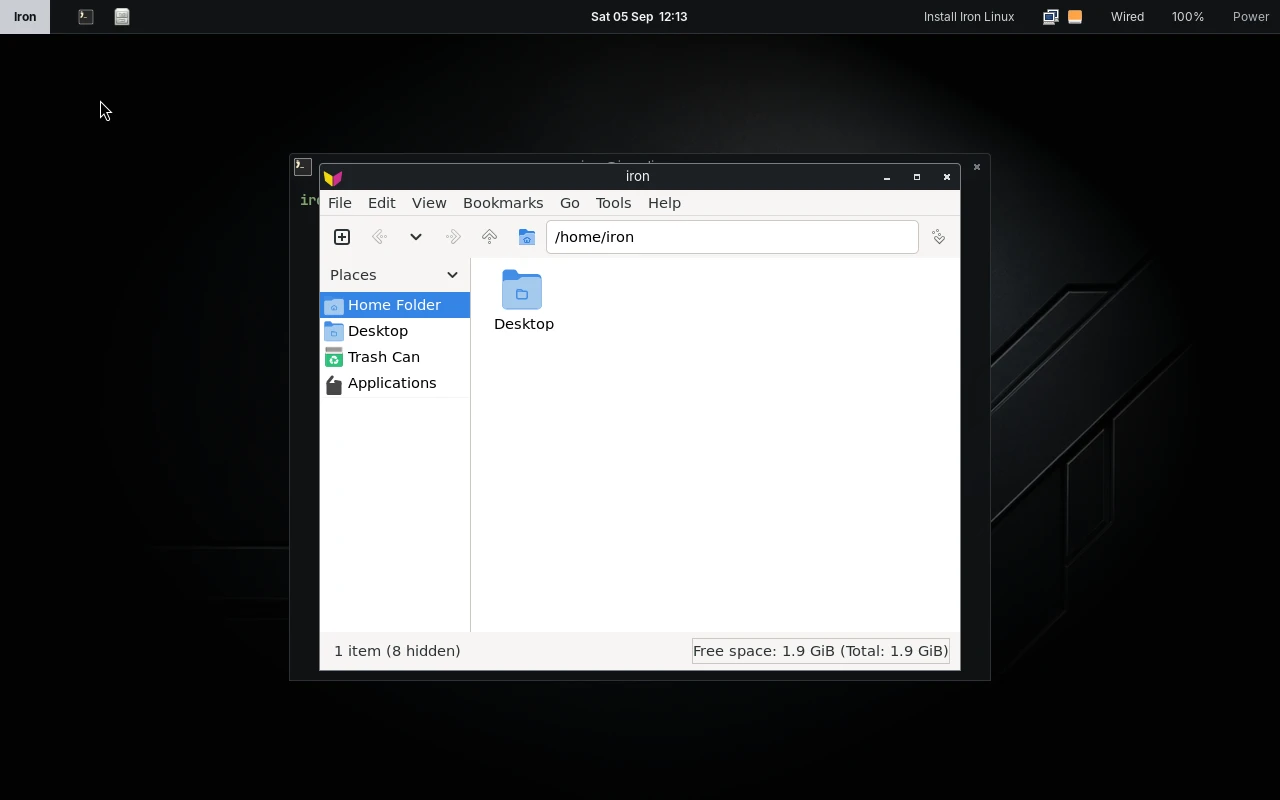
PCManFM handles files without GVFS. Mousepad edits text without GNOME. Xarchiver extracts archives without file-roller dependencies.

02

Zero Indexing Daemons

No disk-thrashing background indexers (tracker-miner, baloo) waking up your CPU and draining your laptop battery.

03

Native Wayland Compositing

Direct DRM/KMS hardware rendering bypasses legacy X11 display server hops, giving instant input responsiveness.

Architecture Comparison
Standard Desktop Environments~1.2 GB - 2.0 GB Idle

GNOME / KDE daemons, gvfs, tracker, polkit plugins, telemetry

Iron Linux (Labwc + Waybar)~240 MB Idle

Labwc, Waybar, Mako, WirePlumber, NetworkManager applet

System: Debian 13 (Trixie)Verified in QEMU/KVM
Hardware Verification

Tested platforms & hardware.

We report hardware readiness based on verifiable build and runtime tests, not speculative marketing claims.

AMD64 / x86_64STABLE

x86-64 PC & Laptop

Intel Core / AMD Ryzen modern & legacy systems

Verified Capabilities
  • Hybrid BIOS & UEFI El Torito boot
  • KMS / Mesa graphics acceleration
  • NetworkManager Wi-Fi & Ethernet
  • PipeWire audio & WirePlumber
  • Calamares automated disk partitioning
Requires 64-bit CPU, minimum 2GB RAM (4GB recommended).
KVM / QEMU / VirtIOTESTED

Virtual Machines

QEMU/KVM with virtio devices, BIOS & UEFI

Verified Capabilities
  • End-to-end boot to graphical login
  • virtio-net network driver
  • virtio-blk / virtio-scsi disk installs
  • SPICE / QXL display & VirtIO GPU
  • Reboot from installed qcow2 virtual disk
Fully exercised in project test matrix: boot → login → install → cold boot.
ARM64 / aarch64PREVIEW

Raspberry Pi 4

Raspberry Pi 4 Model B (4GB / 8GB)

Verified Capabilities
  • Linux Kernel 6.12 aarch64 & DTB staging
  • VC4 KMS GPU driver (dtoverlay=vc4-kms-v3d)
  • Automated rootfs expansion on first boot
  • Onboard Gigabit Ethernet & USB 3.0
  • Headless serial & HDMI console
Requires microSD card (16GB+). Flash with Raspberry Pi Imager or dd.
ARM64 Architecture • Preview

Iron Linux.
Now on ARM.

Dedicated flashable image for Raspberry Pi 4 Model B. Featuring Linux Kernel 6.12 aarch64, VC4 KMS hardware-accelerated graphics, and automated first-boot rootfs expansion.

Quick Setup

Four steps to bare metal.

No complex pre-configuration or multi-stage installer wizards.

01

Download

Grab the verified AMD64 ISO (1.4 GB) or ARM64 Pi image (1.7 GB xz) and verify the SHA-256 hash.

02

Flash

Write to a USB thumbdrive or microSD card using dd, balenaEtcher, or Raspberry Pi Imager.

03

Boot

Boot live via BIOS or UEFI. Log into the test desktop using username iron and password live.

04

Install

Launch the Calamares installer from Waybar or desktop to deploy a permanent installation in under 5 minutes.

Open Development

Built in the open.

Every package list, hook script, and build flag is publicly audited and version controlled. Built cleanly with Debian live-build.